The best safe apps for kids are ones built for children, with no open chat, no adverts aimed at them and strong parental controls. For young children, YouTube Kids (with “Approved content only” switched on) and the free Khan Academy Kids app are good starting points, alongside family-friendly Islamic cartoons such as Omar and Hana and Zaky and Friends. Pair any app with device controls, Google Family Link on Android or Apple Screen Time on iPhone and iPad, and agree clear daily limits. The World Health Organization advises no sedentary screen time for babies and under-twos and no more than one hour a day for children aged two to four.
In this article
Best safe apps for kids
YouTube Kids
YouTube Kids is a separate app designed for children and is available in Pakistan. Parents can choose a profile for Preschool (4 and under), Younger (5 to 8) or Older (9 to 12), set a timer, turn off search, and block any video or channel. Filters are automated and not perfect, so the safest setting is the next one.
Approved content only
In YouTube Kids parental controls, “Approved content only” lets your child watch only the videos, channels and collections you have chosen yourself. It takes ten minutes to set up and removes almost all risk of unsuitable videos.
Khan Academy Kids
Khan Academy Kids is a free educational app for children aged about two to eight, with reading, maths and social-emotional activities. It has no adverts and no subscriptions, which makes it one of the best educational apps for kids.
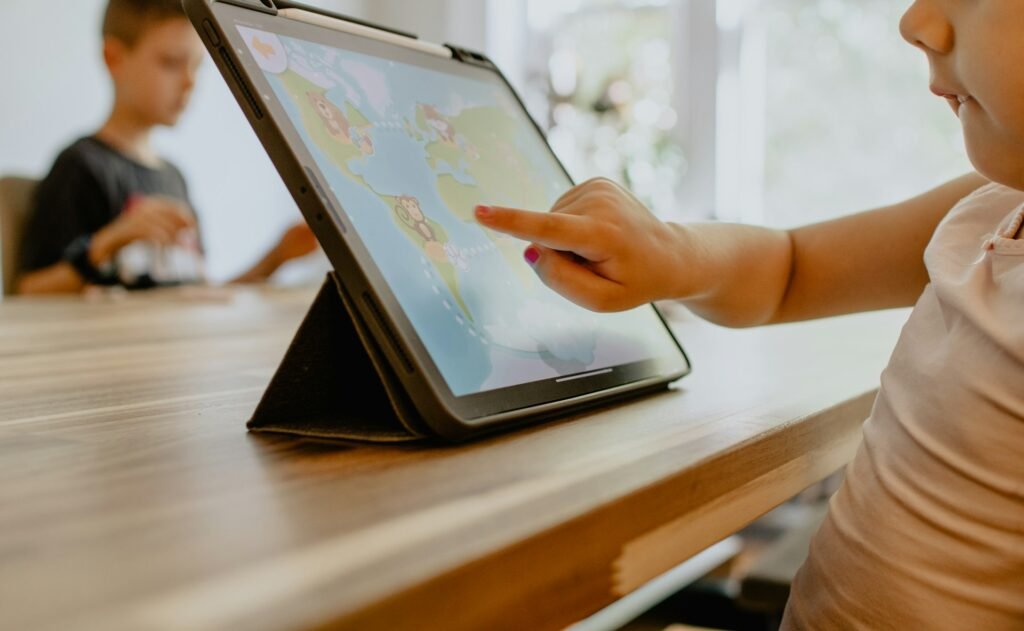
Safe cartoons for kids with good values
Many Pakistani families look for cartoons that teach good manners and Islamic values in simple language. Popular choices include:
- Omar and Hana: an animated series from Malaysia with short Islamic songs and stories about manners, prayer and kindness; good cartoons for toddlers and young children.
- Zaky and Friends: Islamic cartoons for kids from One4Kids, featuring short lessons, duas and stories.
- Allahyar and the Legend of Markhor (2018): a Pakistani animated film about a boy who protects a young markhor from poachers, a fun way to talk about wildlife; read more about the markhor.
Watch a few episodes yourself first. Even good channels vary, and what suits a four-year-old may not suit a ten-year-old.
Parental controls you should switch on
Parental controls on Android: Google Family Link
Google Family Link lets you create a supervised Google account for your child, approve or block app downloads, set daily screen time and bedtime, and see where their device is. It is free from the Play Store.
Apple Screen Time
On iPhone and iPad, Apple Screen Time (in Settings) lets you set app limits, downtime hours, content restrictions and require approval for purchases. Set a separate Screen Time passcode your child does not know.
Kids mode on a tablet
Many Android tablets, including Samsung models, have a built-in Kids mode that locks the child into approved apps. It is a simple option for a shared family tablet.
How much screen time for kids?
| Age | WHO guidance (2019) |
|---|---|
| Under 1 year | No screen time |
| 1 to 2 years | No sedentary screen time for 1-year-olds; for 2-year-olds, no more than 1 hour a day, and less is better |
| 3 to 4 years | No more than 1 hour a day; less is better |
For older children there is no single number. Focus on balance: screens should not replace sleep, school work, prayer, outdoor play or family meals.
Safe internet for children: family rules that work
Keep devices in shared rooms, not bedrooms · No screens at meals or an hour before bed · Watch together sometimes and talk about what you see · Teach children to tell you about anything that upsets them, without fear of losing the device.
Digital wellbeing for families
Children copy what adults do. Putting your own phone away during family time is one of the most effective rules of all. Use screen time for learning and connection, and plan plenty of time for books, games and the outdoors.
Frequently asked questions
What are the safest apps for kids?
Apps built for children with strong parental controls, such as YouTube Kids with approved content only and Khan Academy Kids.
Is YouTube Kids available in Pakistan?
Yes. Pakistan is on YouTube’s list of countries where the YouTube Kids app is available.
How do I set YouTube Kids parental controls?
In the app’s parent settings, choose an age level, turn off search, set a timer, or switch on “Approved content only”.
What does “Approved content only” mean?
Your child can watch only the videos and channels you have hand-picked.
What is Google Family Link?
A free Google tool that lets parents approve apps, set screen time limits and manage a child’s Android device.
What is Apple Screen Time?
Built-in iPhone and iPad settings for app limits, downtime, content restrictions and purchase approval.
How much screen time is OK for kids?
WHO advises none for under-twos and no more than one hour a day for ages two to four. For older children, balance screens with sleep, study and play.
Are there good Islamic cartoons for kids?
Yes. Omar and Hana and Zaky and Friends are popular choices with stories about manners, prayer and kindness.
Is Khan Academy Kids free?
Yes, completely free with no adverts, for children aged about two to eight.
What are good cartoons for toddlers?
Short, gentle programmes with songs and simple stories, such as Omar and Hana, watched together with a parent.
Does a tablet have a kids mode?
Many do, including Samsung tablets. Kids mode locks the device to apps you approve.
Is Allahyar and the Legend of Markhor good for children?
It is a Pakistani animated adventure made for families, about protecting a young markhor from poachers.